
Introduction
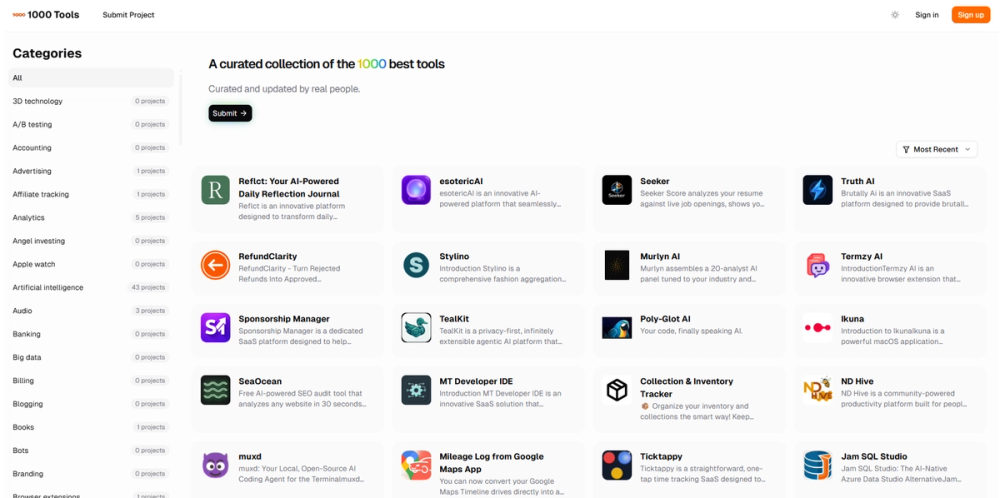
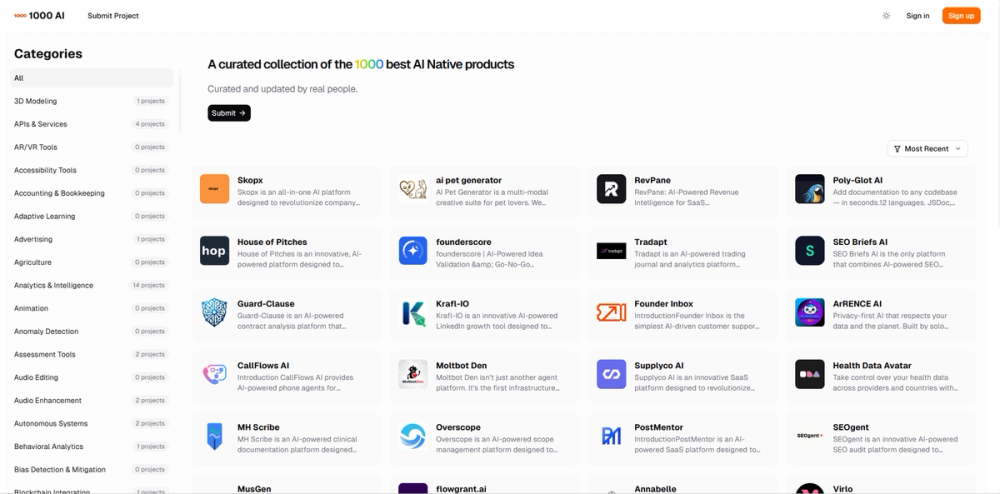
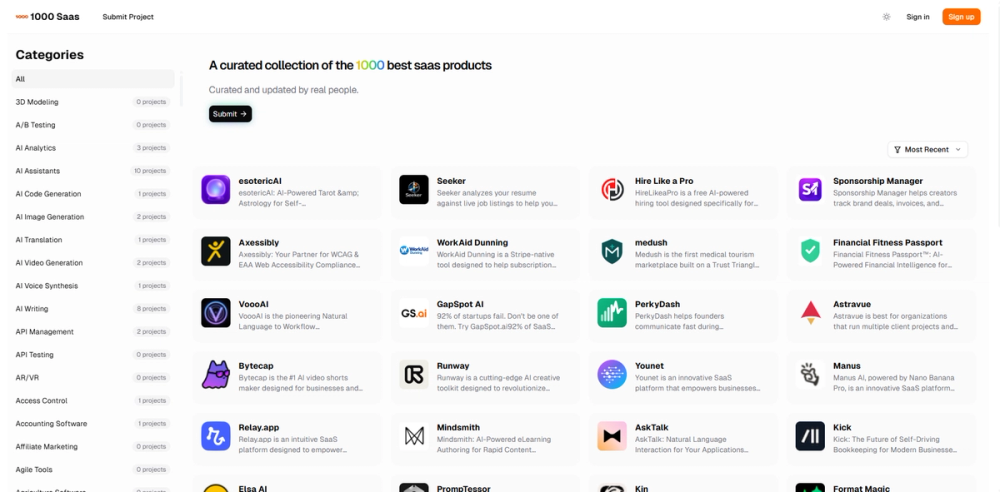
Looking For Tools is a curated product discovery platform that helps users find, compare, and upvote the best tech products across a wide range of categories. The site aggregates hundreds of projects spanning artificial intelligence, developer tools, marketing, productivity, and dozens of other niches, organized into browsable categories with daily, weekly, and monthly trending leaderboards. Built by DirEasy, the platform positions itself as a place "where great tools get discovered," targeting both end users searching for solutions and product creators looking for visibility.
For founders and indie hackers, the appeal lies in the community-driven ranking system: products gain traction through upvotes rather than paid placement alone, creating a signal that is at least partially merit-based. The public page makes this straightforward - sign up, submit a project, and let the community decide whether it surfaces in the trending lists.
Key Features
The Looking For Tools homepage highlights several core capabilities:
- Community-driven upvoting: Products gain visibility through user upvotes, with trending lists updated daily, weekly, and monthly to reflect current momentum.
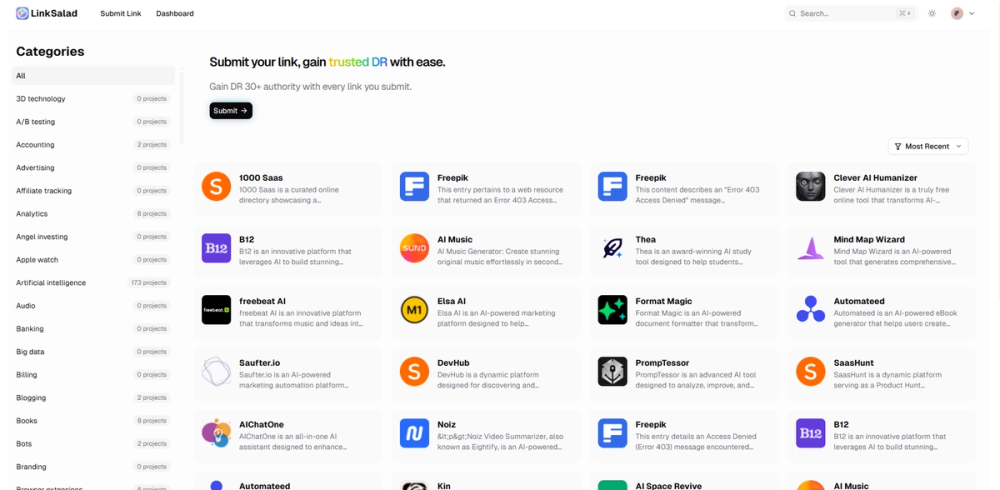
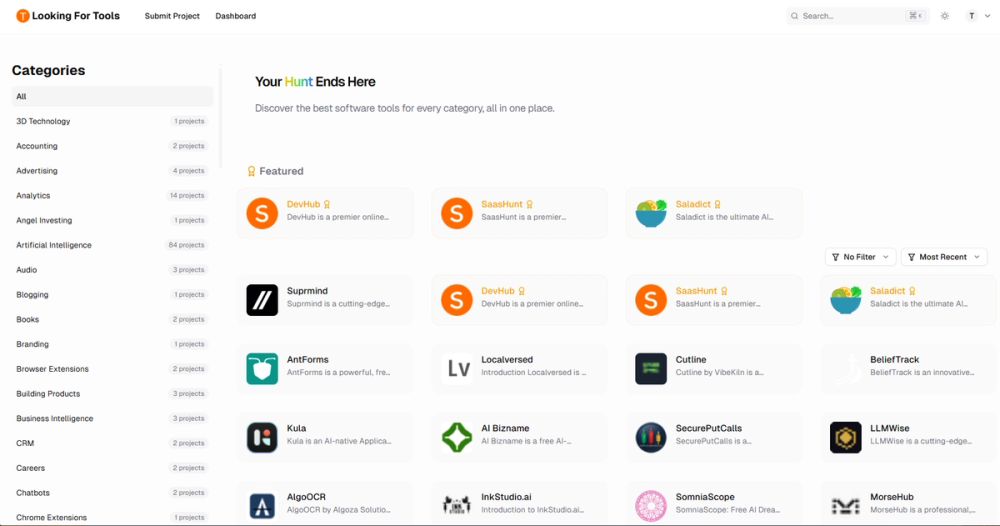
- Extensive category taxonomy: The site organizes products across 70+ categories including Artificial Intelligence (84 projects), Developer Tools (35), Marketing (30), Productivity (30), Content Creation (24), and SEO (20), among many others.
- Featured product spotlights: A curated "Featured" section surfaces select products such as DevHub, SaasHunt, Saladict, WritersLock, and Suprmind, giving them prominent homepage placement.
- Simple submission workflow: Product creators can submit their projects through a dedicated submission flow, with the site providing sign-in and sign-up options to manage listings.
- Theme toggle: Users can switch between light and dark themes for comfortable browsing.
- Trending leaderboards: Separate views for daily, weekly, and monthly trends help users discover both rising products and sustained favorites.
Use Cases
The platform serves two primary audiences with distinct needs.
For end users and buyers, Looking For Tools acts as a discovery engine. Someone evaluating AI writing tools, for instance, can browse the Content Creation or AI categories and compare community-voted options side by side. The category-based navigation means you do not need to know a specific product name - you can explore by problem area and see what the community has surfaced. This is particularly useful for early-stage founders or small teams who want to evaluate emerging tools without relying solely on search engine results.
For product creators, the platform offers a launchpad for visibility. Submitting a product places it in front of a tech-savvy audience that actively browses for new tools. The upvote mechanism provides a feedback signal: strong community reception can push a product into trending lists, while the Featured section appears to offer additional editorial curation. The site also references backlink benefits for submitted projects, which could support SEO efforts for newer products seeking domain authority.
Pricing
The public page does not display explicit pricing tiers for browsing or upvoting. Based on the site structure, the core discovery and upvoting experience appears to be free for users. Product creators can sign up and submit projects, though any premium placement or promotional features are not detailed on the homepage. The site references a "Pricing" and "Sponsors" section in its navigation, suggesting that paid options exist for enhanced visibility, but specific plan details are not visible from the public-facing content alone.
User Experience and Support
The interface is clean and category-driven, with a straightforward navigation structure. Users can browse by category, view featured products, or explore trending lists. The sign-in and sign-up flow is standard, and the footer provides links to FAQs, a blog, Terms of Service, and Privacy Policy.
For support, the site does not prominently display live chat or direct contact channels on the homepage. The presence of a blog and FAQ section suggests self-service resources are available, and the footer includes links that likely cover common questions. The platform also connects through GitHub and Twitter/X, indicating a community-oriented approach to engagement.
Technical Details
Looking For Tools is a web-based platform built by DirEasy. The site uses a modern responsive design with theme switching, suggesting a contemporary frontend stack. Specific programming languages or frameworks are not disclosed on the public page. The platform processes and displays a large volume of product listings across 70+ categories, implying a structured backend for managing product data, user accounts, upvotes, and trending calculations.
Pros and Cons
Pros
- Large, well-organized category taxonomy covering 70+ niches makes discovery practical rather than overwhelming
- Community-driven upvoting provides a merit-based signal for product quality
- Daily, weekly, and monthly trending lists surface both emerging and sustained products
- Featured section offers additional editorial visibility for select products
- Free to browse and upvote, lowering the barrier for evaluation
Cons
- Pricing and promotional options for creators are not clearly detailed on the public page
- Product quality may vary since listings rely on community submissions
- No visible advanced filtering or personalization beyond category browsing
- Support channels beyond FAQ and social media are not prominently displayed
- The breadth of 70+ categories may dilute focus for users seeking depth in a specific niche
FAQ
What is Looking For Tools and how does it work?
Looking For Tools is a curated product discovery platform where users browse, compare, and upvote tech products across 70+ categories. Products gain visibility through community upvotes, and trending lists are updated daily, weekly, and monthly to reflect current momentum.
Who should use Looking For Tools?
The platform serves two groups: end users looking to discover and evaluate new software tools by category, and product creators who want visibility among a tech-savvy audience. It is particularly useful for founders exploring emerging tools or launching new products.
How do I submit my product to Looking For Tools?
The site provides a submission flow accessible through the "Submit Project" link. You will need to sign up or sign in, then follow the submission process to add your product to the directory.
Does Looking For Tools charge for product listings?
The public page does not detail specific pricing for submissions. Browsing and upvoting appear to be free, and the site references a Pricing section that likely covers paid promotional options, though exact details are not visible from the homepage.
What types of products are listed on Looking For Tools?
The platform covers a wide range of tech products including AI tools, developer tools, marketing solutions, productivity apps, SaaS products, and more. Categories span from 3D Technology to Writing tools, with the largest categories being Artificial Intelligence (84 projects), Developer Tools (35), and Marketing (30).
How are products ranked on the platform?
Products gain ranking through community upvotes. The trending lists update on daily, weekly, and monthly cycles, and a separate Featured section highlights editorially selected products on the homepage.
Conclusion
Looking For Tools fills a practical niche in the product discovery landscape: a community-curated directory where tech products gain visibility through upvotes rather than purely paid placement. For users, it offers a structured way to browse 70+ categories and discover tools they might not find through standard search. For creators, it provides a straightforward submission path and potential trending visibility. Before relying heavily on the platform for product evaluation, it is worth checking the site directly to see how active the community is in your specific category and whether the trending signals align with what you are looking for.