
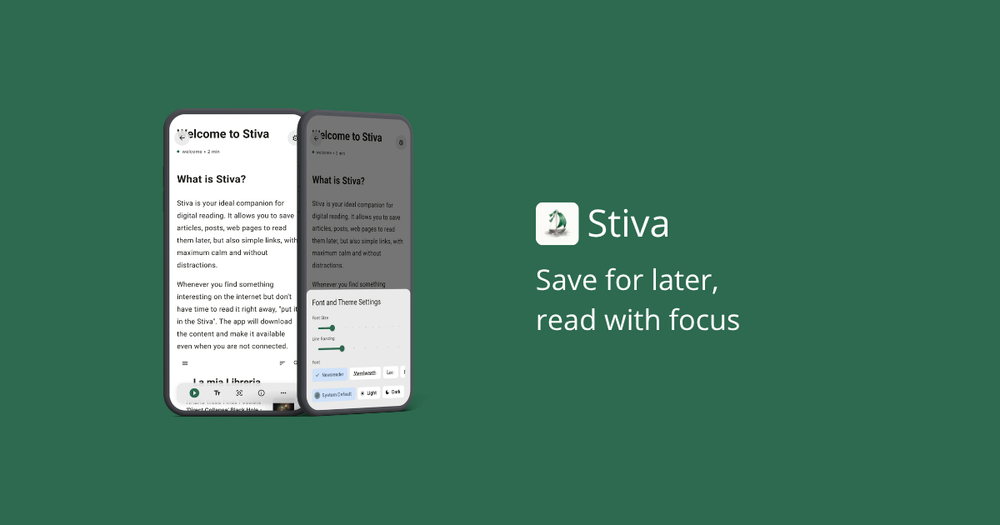
My goal with Stiva is to build a calm, offline-first reading space. That means the core acts of saving, reading, and organizing your articles will always be free. You don't need to create an account to start. You paste a link, and Stiva scrapes the text and stores it directly on your device. Every article in your library is physically yours, stored in a local database, and ready to be read offline.
The free version includes:
- Unlimited library: save as many articles and bookmarks as your device can hold.
- Save from browser & Cloud Sync: send links from your desktop or mobile browser. To avoid subscriptions, Stiva doesn't run a backend; it uses your Google Drive or Dropbox as a secure bridge to sync articles.
- Cloud & Local Backup: export backups of your library to your device or your personal cloud storage.
- Individual Text-to-Speech: listen to any single article with background playback and lock-screen controls.
- Unlimited tagging: group and organize your readings with custom tags.
- Basic search: quickly find articles in your library by searching titles and domains.
- Custom Import: easily import your existing library and links from browser bookmarks or other read-later apps.
If the free tier is a complete reading library, Premium is for readers who want to retain what they read, collect key insights, or build a personalized audio feed. Because I don't charge a subscription, I had to decide which advanced features belong behind a one-time paywall. I didn't want the free tier to feel like a crippled demo, but I wanted to make the Premium unlock worth it.
Here is what Stiva Premium (Version 1) unlocks:
- Full-text search & filters: search through the actual body text of all saved articles and use advanced sorting.
- Articles playlist: queue multiple articles to play sequentially, turning your list into a custom, ad-free podcast.
- Immersive reading: use a customizable Focus Mode overlay that dims everything except the paragraph you are reading.
- Unlimited Study Tools: highlight text, save key quotes, write notes, and share citations. Free users can test these on up to 10 articles; Premium removes the limit and lets you search your notes.
- Unlimited Document Export: export individual articles as PDF or Markdown files (free users get 3 exports total).