
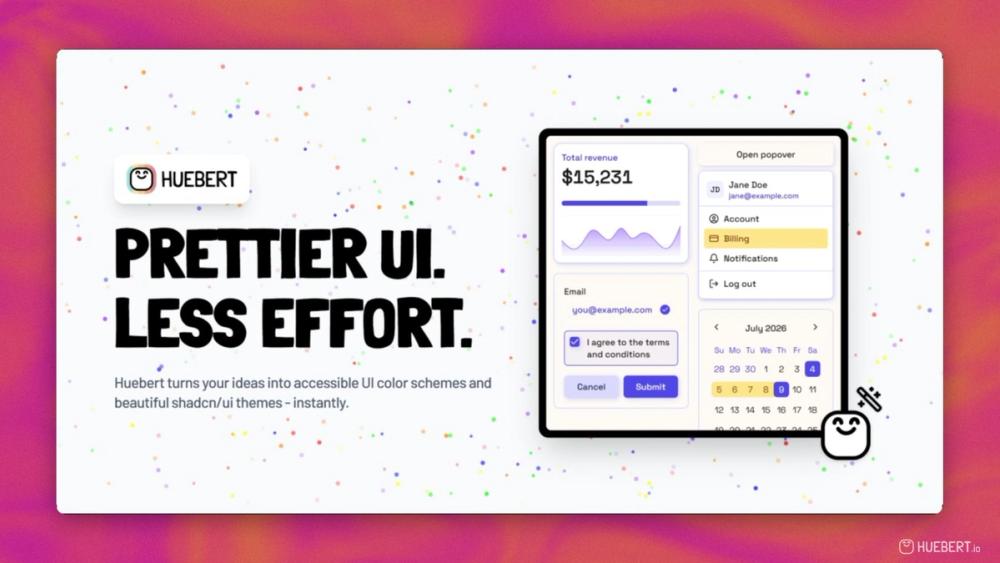
Huebert is a UI color scheme generator for designers, developers, and indie makers who want prettier UI with less effort.
Most color tools give you attractive palettes, but stop before the hard part: turning those colors into a coherent, accessible user interface. Huebert fixes this by mapping colors to semantic UI tokens, previewing them on real components, validating contrast with WCAG and APCA, and exporting production-ready themes for light and dark mode.
Use Huebert to generate accessible UI color schemes from one, two, or three seed colors; build full shadcn/ui themes; create high contrast foreground and background pairs; extract colors from images; generate palettes and screenshot backgrounds; and save your best work in a personal library.
Core Features
- UI Color Scheme Generator - Turn one, two, or three seed colors into accessible UI schemes with semantic tokens, live previews, APCA-aware contrast pairing, CSS export, and library saving.
- shadcn/ui Theme Generator - Generate full light and dark shadcn/ui themes with one click or AI, preview real components, customize colors, typography, radius, spacing, and shadows, then copy Tailwind CSS variables instantly.
- High Contrast Generator - Create readable foreground/background color pairs with WCAG and APCA validation, color blindness simulation, configurable ranges, palette sampling, and AI assistance.
- Palette Generator - Build 1-10 color palettes with AI assistance, an interactive color wheel, WCAG and APCA contrast checks, color blindness simulation, export options, and handoff to other generators.
- Image Color Picker - Extract 1-10 colors from images, edit and lock swatches, choose extraction modes, then save, export, or open the palette in another generator.
- Background Generator - Create colorful backgrounds for screenshots and mockups using random or existing palettes.
- Color Converter - Convert colors between HEX, RGB, HSL, OKLCH, LAB, CMYK, and more with live preview and shareable links.
- Personal Library & Projects (Pro) - Save palettes, schemes, and themes in one place, organize them in projects, and reopen them anytime for editing or export.
- Public API (Pro) - Use Huebert's color tools in your own applications and workflows.
- AI-Powered Tools (Pro) - Generate, refine, and adjust schemes, themes, palettes, and contrast pairs with AI assistance.
Use Cases
- UI/UX Designers: Turn palette ideas into complete UI color systems with semantic token mapping and real component previews.
- Frontend Developers: Generate copy-and-paste shadcn/ui themes, Tailwind CSS variables, and accessible color schemes for production apps.
- Indie Makers: Move from idea to polished interface faster without spending hours tweaking colors by hand.
- Brand Designers: Extract colors from images, generate harmonious palettes, and test whether they work in real interfaces.
- Accessibility Teams: Validate contrast with WCAG and APCA, preview color blindness modes, and catch readability issues before shipping.
- Marketing Teams: Create colorful screenshot backgrounds and high-contrast assets that stay visually consistent.
Huebert includes free tools for palettes, backgrounds, and image color picking. Huebert Pro unlocks advanced UI scheme and theme generators, AI usage, the personal library, API access, and future Pro features.
Start creating better color systems today at huebert.io.
Prettier UI. Less Effort.