
Introduction
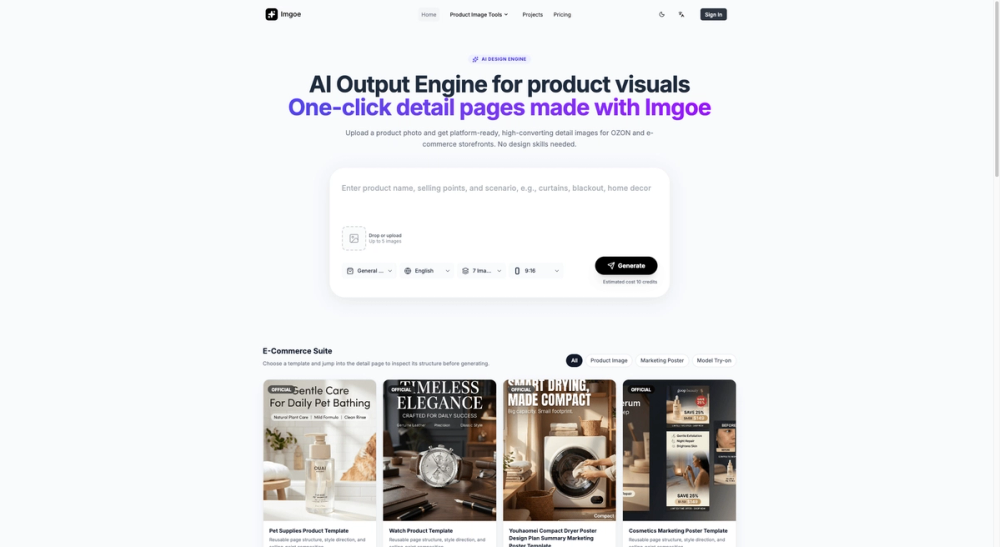
Imgoe is an AI-powered image description and text-to-image tool that bridges visual and textual content. The platform lets you upload an image and receive a detailed text description, or provide a text prompt and generate a matching image. It is positioned as a fast, browser-based tool for content creators, marketers, and anyone who needs to convert between images and words without complex software.
For users who regularly work with visual content, the value is straightforward: a single interface that handles both directions of the image-text pipeline, from generating alt text for accessibility to creating images from written prompts.
Key Features
Image to Text Conversion
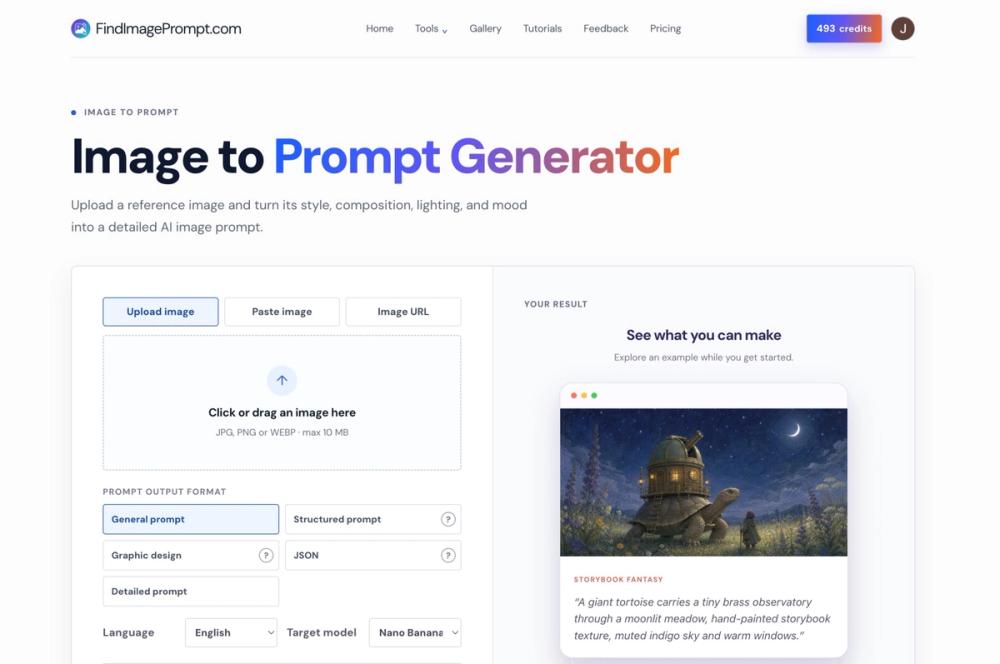
Upload an image and receive a detailed natural language description. The tool analyzes visual content and produces descriptions that capture key elements, composition, and context. This is useful for generating alt text, creating content descriptions, or extracting information from visual assets.
Text to Image Generation
Provide a text prompt and receive a generated image. The tool translates natural language descriptions into visual output, enabling quick concept visualization without traditional design tools.
Browser-Based Processing
The tool runs entirely in the browser with no software installation required. This lowers the barrier to entry and makes it accessible from any device with a web browser.
Fast Results
Results are generated quickly, making the tool suitable for iterative workflows where rapid feedback matters. Users can test multiple prompts or descriptions without waiting through lengthy processing cycles.
Simple Interface
The workflow is designed for minimal friction: upload or type, get results. There is no complex configuration or multi-step process required to use the core features.
Use Cases
Generating Alt Text for Accessibility
Content creators and web developers can upload screenshots, product photos, or editorial images and receive accurate text descriptions suitable for alt attributes. This helps meet accessibility requirements without manual description writing.
Content Repurposing
Turn screenshots into blog post descriptions, product images into marketing copy, or social media visuals into written content. The image-to-text feature enables repurposing visual assets across different content formats.
Creative Concept Visualization
Use the text-to-image feature to quickly visualize ideas without committing to traditional design workflows. This is useful for mood boarding, concept exploration, and creative brainstorming.
Product Description Generation
E-commerce sellers and product marketers can generate detailed text descriptions from product photos, helping with SEO, product listings, and catalog management.
Prompt Engineering
Test and refine prompts for other AI image generation tools by using Imgoe as a rapid prototyping environment for visual prompt development.
Pricing
Based on the evidence fetched, the pricing structure for Imgoe was not prominently detailed on the main page. The tool appears to offer a free entry point for basic usage, though specific tier details would need verification on the dedicated pricing page.
User Experience and Support
The interface is designed for minimal friction. Users upload an image or enter a prompt and receive results without navigating through complex menus. The tool prioritizes speed and simplicity over feature density.
Support channels are not extensively detailed in the evidence, but the site suggests availability for user questions and feedback.
Technical Details
Imgoe is a web-based tool that combines image analysis and generation capabilities. The platform processes images using AI models to produce text descriptions and generates images from text prompts using image synthesis models. The exact model architectures were not detailed in the evidence.
The tool operates through a browser interface, requiring no software installation. Users access the full functionality through the web application.
Pros and Cons
Pros:
- Bidirectional image-text conversion in a single tool
- Simple, fast interface with minimal learning curve
- Browser-based with no installation required
- Fast results suitable for iterative work
- Useful for accessibility, content creation, and creative workflows
Cons:
- Pricing details not fully visible in the evidence
- Limited information about output quality compared to specialized tools
- No evidence of batch processing or API access
- No mention of model selection or customization options
- Support channels not prominently detailed
FAQ
What does Imgoe do?
Imgoe converts between images and text. You can upload an image to receive a detailed text description, or provide a text prompt to generate an image.
Is there a free tier?
The evidence suggests the tool offers a free entry point, though specific details about usage limits and paid tiers would need verification on the pricing page.
Can I use it for alt text?
Yes. The image-to-text feature is well-suited for generating alt text descriptions for web images, helping with accessibility compliance and SEO.
Does it work in the browser?
Yes. Imgoe is a web-based tool that runs entirely in your browser. No software installation is required.
Conclusion
Imgoe fills a specific niche by providing bidirectional conversion between images and text in a single, focused interface. The browser-based approach and emphasis on speed lower the barrier to entry. For users who need quick, reliable image-text conversion without complex setup, Imgoe is worth exploring.